We've been making images better for over 10 years. Our team of 50+ designers handles 1000+ photos daily for businesses worldwide. From our offices in California, Texas, and Canada, we serve clients who need their images to work harder.
Whether you're selling on Amazon, building websites, or managing social media - we know what each platform wants. And we'll make sure your images deliver.
Learn more about us and see why businesses trust Clipp Asia with their most important visuals.
Ready for Optimized, Web-Ready Images?
Stop letting bad image sizes hurt your business. Get photos that load fast, look amazing, and convert visitors into customers.
Start Your Free Trial - 2-3 images, delivered in 6-12 hours, zero risk.
Need something bigger? Get a Custom Quote for bulk projects.
Questions? Our team's available 24/7 to help figure out exactly what you need.
Before & After: Cropping & Resizing Transformations
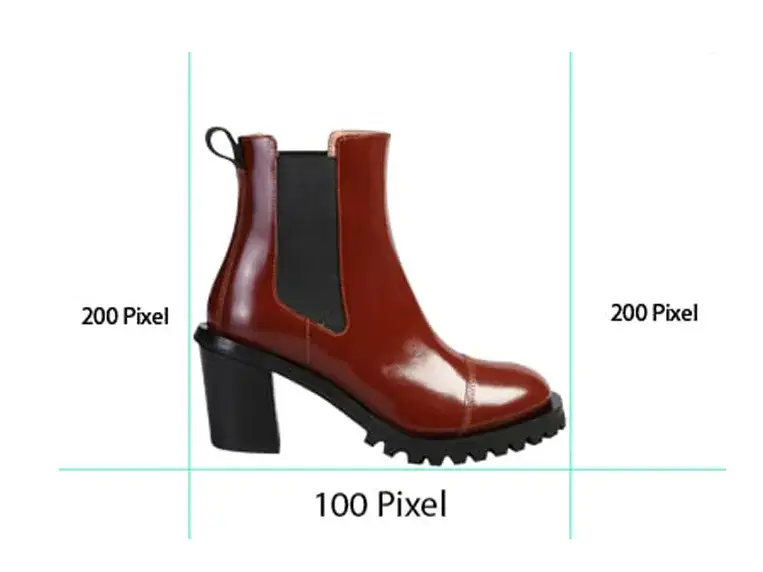
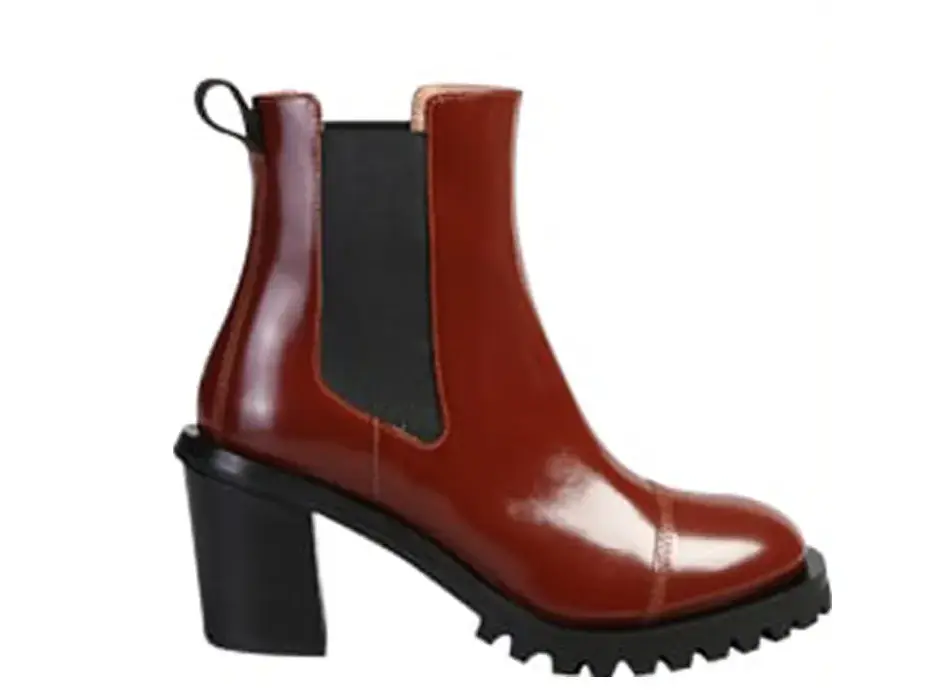
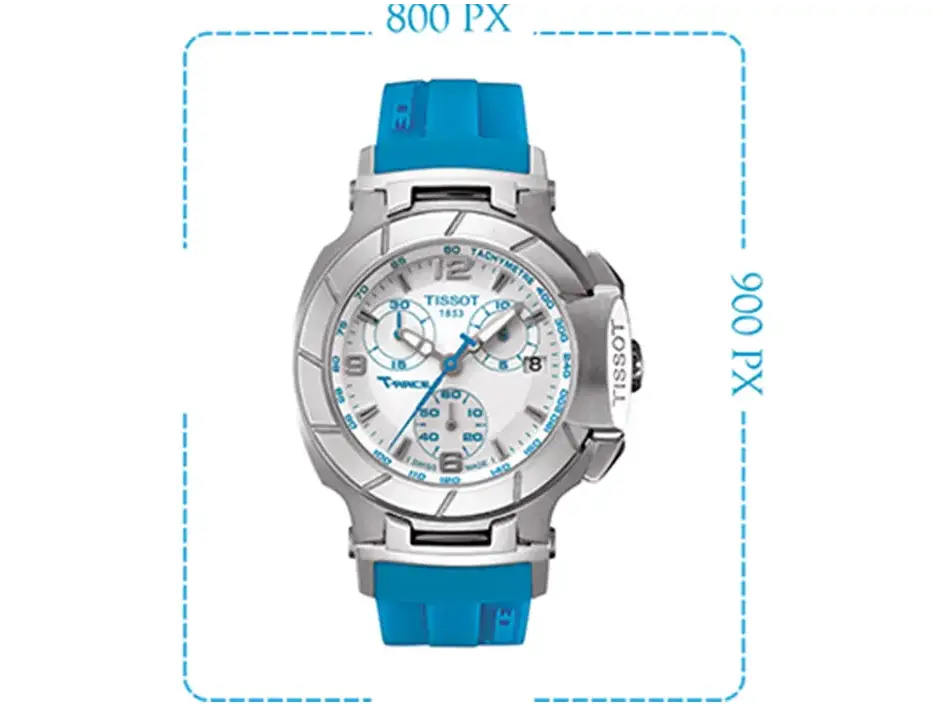
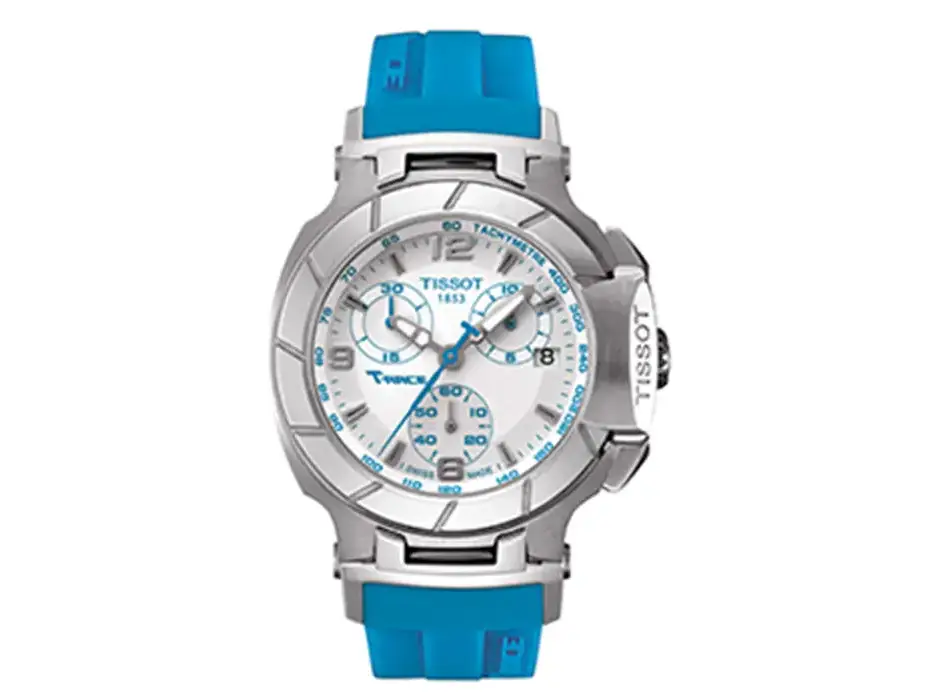
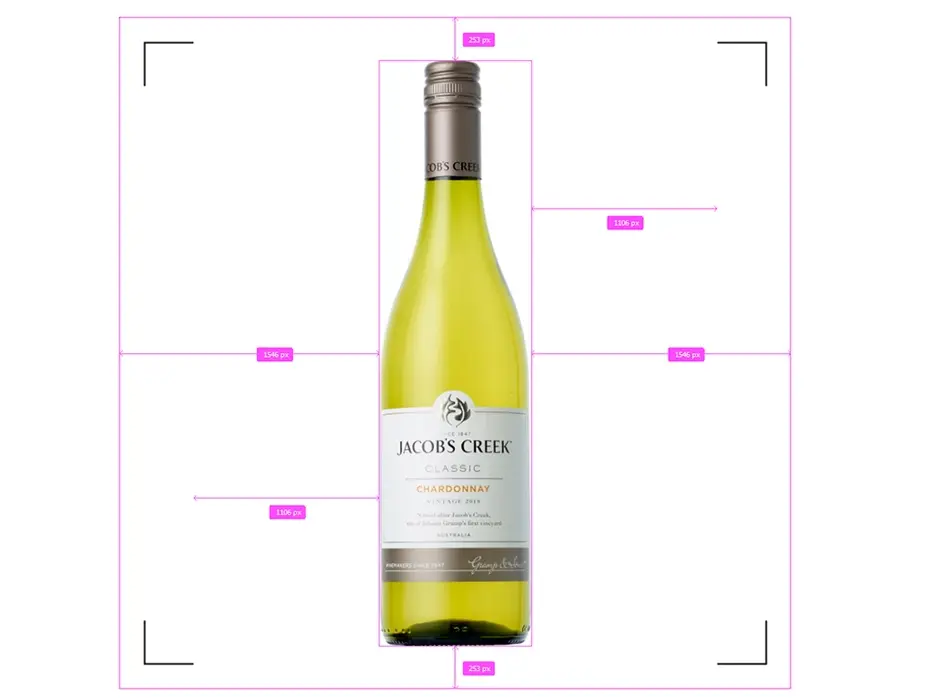
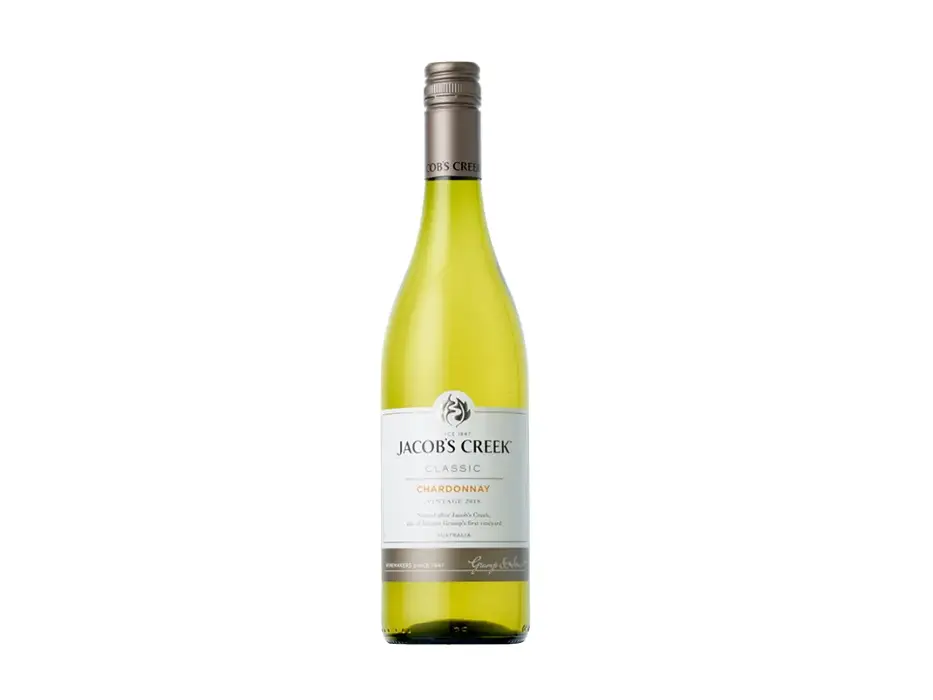
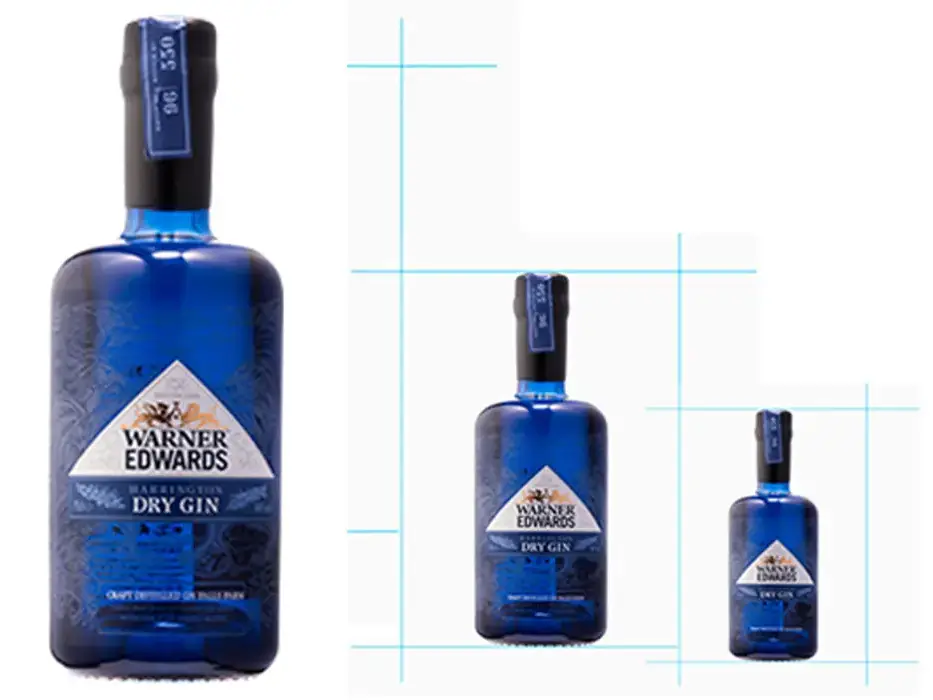
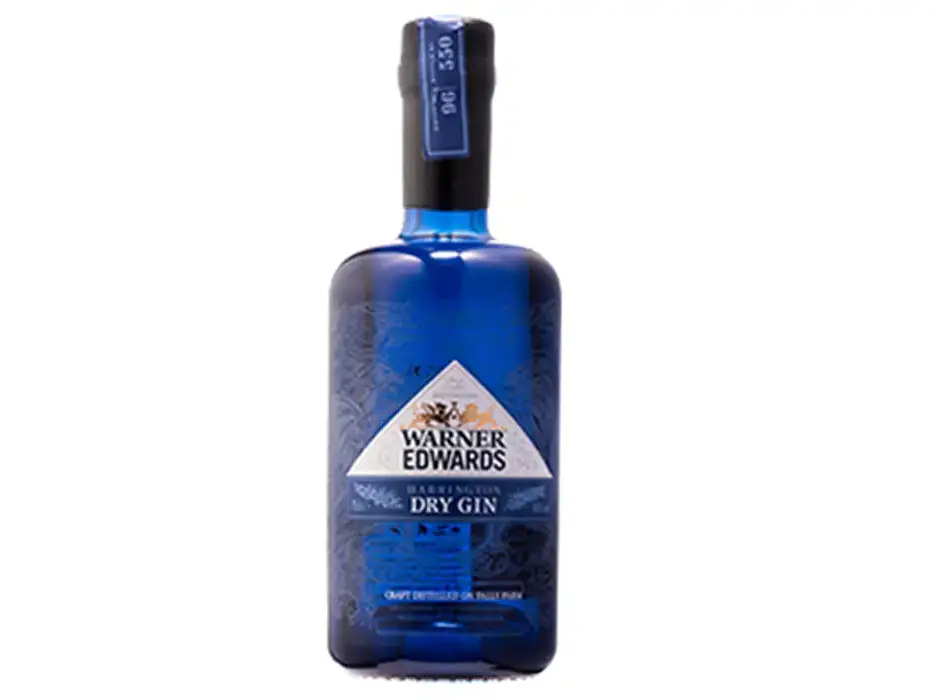
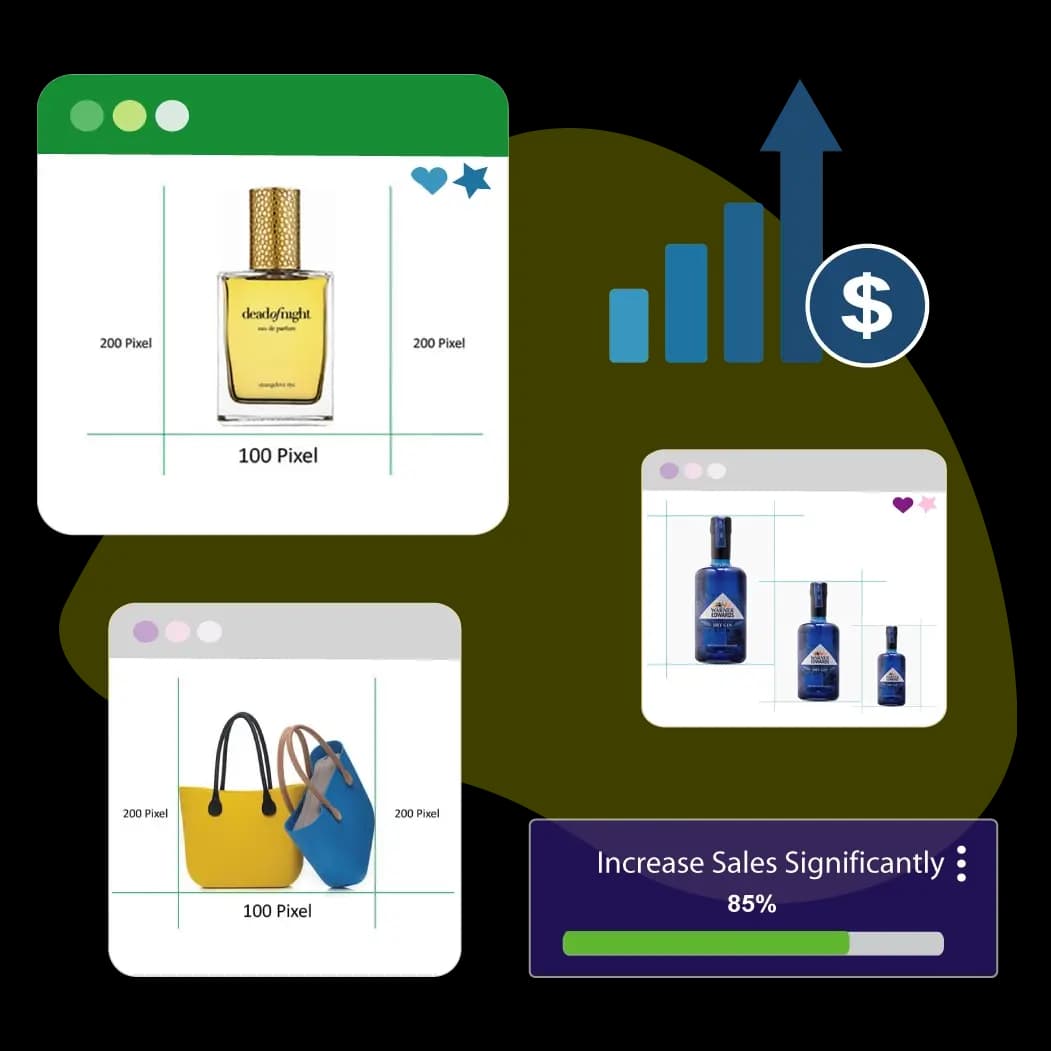
See how we turn okay images into scroll-stopping visuals. Our gallery shows real transformations - cluttered product photos become clean, professional listings. Oversized images become fast-loading web graphics.
View more examples or try it yourself with our free trial.
Comparison of different image resizing methods. We resize the image in (a) from 375 × 500 to 375 × 250. Results show that our approach preserves the global visual effect of the original image and results a better picture than the other methods. For the image in (c), the carved out horizontal seam number is = 112. In (e), we manually set = 125.
Image Cropping
3.2 Image Resize The images used in the analysis are resized in different scales to determine how various sizes affect the recognition process. Different image sizes carry different information that's why the best image size needs to be examined in details.
Social Resizers
In the edit section, you have different social templates to crop your picture. Covering the basic avatar or profile photo to social media cover photo of Facebook, Twitter, Google Plus, and Youtube. In addition to these one can choose a custom aspect ratio for different ad formats like banners, leaderboards, and skyscrapers.
Image Converter
Need a way to convert png to jpg or gif to png? Our image editor allows you to convert your picture to different file formats such as JPG, PNG, or GIF, or keep it in the same format.
What Is Cropping?
Cropping is cutting off a portion of your image to improve framing, put emphasis on your subject, or change the aspect ratio. This kind of photo manipulation allows you to keep all the elements you want and eliminate the ones you don’t. Cropping can also help you to reframe your subject or draw the viewer into a certain area for greater impact. To fully understand cropping, you’ll need to know two important terms: aspect ratio and pixels.
What Is Resizing?
Resizing is altering the size of your image without cutting anything out. To resize an image is to essentially change the file size. Because sometimes, size does matter.
The most important step is to resize your picture. You can pick from a predefined size of 25%, 50%, or 75% or you can give a custom size in percentage or pixels. Either way, the aspect ratio is calculated automatically.
Show Adjustment
It is explained earlier that screen adjustment is known as a big problem. The whole thing is okay, but troubles occur when photos do unfit on screens. Along with this, the photo file size reduces. It causes serious trouble for those viewers. For circumstances, you own an online website. Uploading photos of your products is a daily phenomenon. To convince prospective clients, they play very important roles. But in case the pictures are not nearly marked, they won't be able to play the position. Besides, you have no idea which type of device your shopper is using to check out your site.