
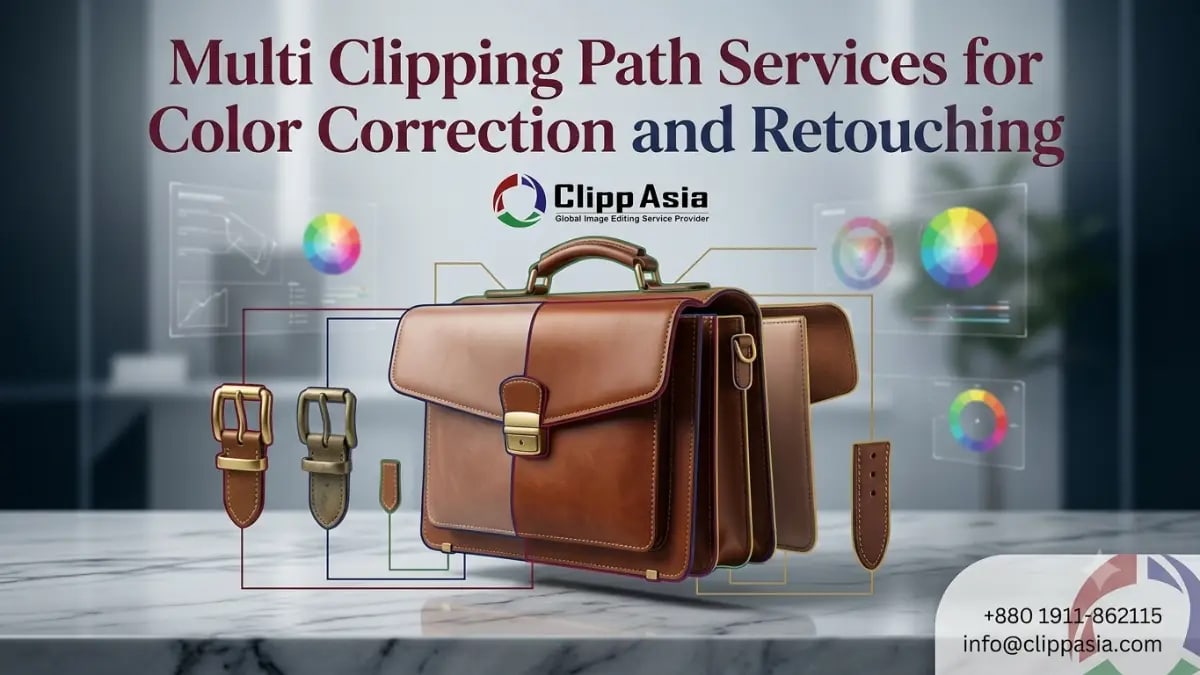
Multi Clipping Path Services for Color Correction and Retouching
Separate paths help you edit each product part with better control. You can adjust colors, shadows, textures, and details without harming other areas. This method works well for ecommerce, fashion, jewelry, furniture, and catalog images. Online sellers need clean visuals because buyers judge products very fast. This guide shows how path-based editing supports better correction and retouching.
What Are Multi Clipping Path Services?
This editing method creates separate paths around different image parts. Each path lets your editor control one selected area. For example, you can edit a shoe sole, lace, logo, and shadow separately. This gives you more accuracy than one simple cutout.
You can use this process for product color changes, selective retouching, and image cleanup. It helps when your product has many parts, tones, or materials. You may also need image clipping path services when your product edges need clean manual selection. That careful work helps your final images look sharper and more professional.
Why This Method Matters for Color and Detail
You need multi clipping path services when one product has several editable areas. A handbag may have leather, zipper, handle, strap, shadow, and logo. Each part may need a different correction. One simple edit cannot control everything well.
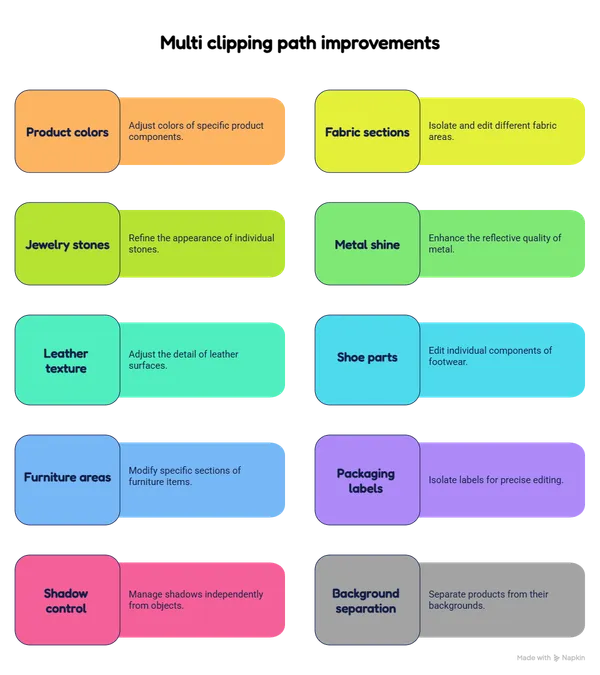
This method helps you improve:
-
Product colors
-
Fabric sections
-
Jewelry stones
-
Metal shine
-
Leather texture
-
Shoe parts
-
Furniture areas
-
Packaging labels
-
Shadow control
-
Background separation
Each selected path gives your editor more freedom. You can change one part without touching another. That control helps ecommerce images look clean, accurate, and consistent. It also supports better retouching for catalogs, ads, and product pages. If you sell many color variants, this method can save time and cost.
How Multi Clipping Path Services Improve Color Correction
Color correction needs control. A full-image color change can affect everything. It may change shadows, logos, skin tones, or backgrounds by mistake. Separate paths help your editor adjust only the needed area.
This approach works well for clothing, shoes, bags, furniture, and accessories. You can create new color options from one base photo. That helps your store show more variants without shooting every item again.
It also protects natural texture. Your product should not look flat or fake. Good correction keeps shape, light, and detail balanced.
|
Product Area |
Editing Need |
Result |
|
Fabric panels |
Color change |
Cleaner variants |
|
Metal parts |
Tone balance |
Better shine |
|
Product labels |
Detail control |
Clearer branding |
|
Shadows |
Soft adjustment |
Natural depth |
|
Background |
Cleanup |
Cleaner focus |
For accurate color work, our Color Correction Services help your images look balanced. You can keep products closer to real-life color. That matters when buyers compare items online.
How Ecommerce Brands Use Path-Based Editing
Ecommerce brands need clean product images every day. For larger catalogs, bulk multi clipping path services help you edit many photos with one clear workflow. This saves time when you manage hundreds of SKUs.
-
You can create color variants faster.
-
You can keep product pages consistent.
-
You can remove unwanted backgrounds.
-
You can retouch selected areas.
-
You can prepare marketplace-ready images.
-
You can improve product details.
-
You can reduce reshoot costs.
-
You can support seasonal campaigns.
A multi clipping path service for ecommerce is useful when products need repeatable editing. Shoes, bags, clothing, jewelry, furniture, and cosmetics often need this support. You can also use a product photo clipping path service when your store needs clean product-focused visuals. This helps your buyers view each detail with confidence.
Why Retouching Needs Accurate Product Paths
Retouching works best when your editor controls each area. You need multi clipping path services when different product parts need separate improvements. One area may need dust removal. Another may need shine control. Another may need color balance.
This matters for close-up product images. Buyers zoom in before ordering. They notice marks, rough edges, dull colors, and uneven lighting. Clean paths let your editor refine small issues without damaging the product. Our Photo Retouching Services can help your product photos look clean, natural, and ready for publishing.
Best Products for Multi Path Photo Editing
Some products need more detailed editing than others. multi path photo editing works best when one item has many parts. It also helps when each part needs different color, tone, or retouching control.
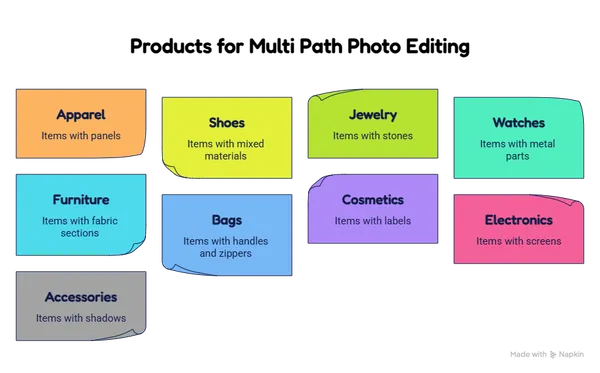
This method suits:
-
Apparel with panels
-
Shoes with mixed materials
-
Jewelry with stones
-
Watches with metal parts
-
Furniture with fabric sections
-
Bags with handles and zippers
-
Cosmetics with labels
-
Electronics with screens
-
Accessories with shadows
This process helps you create a cleaner final image. It also makes your product set look more consistent. You can use it for ads, catalogs, marketplaces, and brand stores. For clean cutouts, our Background Removal Services can support your editing workflow. Clear backgrounds help buyers focus on your product faster.
Workflow for Multi Clipping Path Services
A smooth workflow starts with clear instructions. Your editor needs to know what each product part requires. This avoids confusion and reduces revisions. It also helps you get faster delivery.
Useful project notes include:
-
Target colors
-
Required background
-
Output size
-
File format
-
Shadow style
-
Retouching level
-
Marketplace rules
-
Sample reference
|
Workflow Step |
What Happens |
|
File review |
We check image quality |
|
Path creation |
We separate product parts |
|
Color work |
We adjust selected areas |
|
Retouching |
We clean visible flaws |
|
Final export |
We deliver ready files |
Complex products may also need masking. Soft edges, hair, fur, and transparent areas need extra care. Our Photo Masking Services can help when paths alone are not enough. This gives your images a cleaner and more realistic finish.
How to Choose the Best Clipping Path Partner
You should choose an editing partner with strong manual skills. The best clipping path company will not rely only on automatic tools. Manual paths give cleaner edges and better control.
Look at sample work before ordering. Check edge quality, color accuracy, delivery speed, and revision support. You should also ask about bulk capacity. Many ecommerce teams search for Best Image Clipping Path Services when they need dependable results. A small test project can help you judge quality before sending a large batch.
Frequently Asked Questions About Clipping Path Editing
How fast can ClippAsia deliver edited product images?
Turnaround time depends on image volume and complexity. Simple batches can move faster than detailed retouching projects. You can contact ClippAsia for a custom delivery estimate.
Which file formats can I send?
You can send common formats like JPG, PNG, TIFF, PSD, and RAW. Share your preferred output format before work starts. This helps our team prepare files for your platform.
Can you handle bulk ecommerce image editing?
Yes, ClippAsia can support bulk ecommerce orders. Delivery time depends on image count, path complexity, and retouching needs. You can start with a small batch first.
Do you offer quality checks before delivery?
Yes, our team checks files before final delivery. We review edges, color balance, background quality, and overall consistency. You can request revisions when edits need adjustment.
Can you prepare images for marketplaces?
Yes, ClippAsia can prepare images for websites, catalogs, and marketplaces. You should share size, format, and background rules first. This helps us match your publishing needs.
Final Thoughts and Call to Action
ClippAsia helps you use multi clipping path services for cleaner color correction, retouching, and ecommerce image control. You can improve product parts, create color variants, and keep your visuals consistent. Better images help your buyers understand products faster. Visit clippasia.com to explore our editing support. You can email info@clippasia.com for project questions. You can also reach us through our Contact Page. Our team can review your files and guide your next image editing project.